Devices
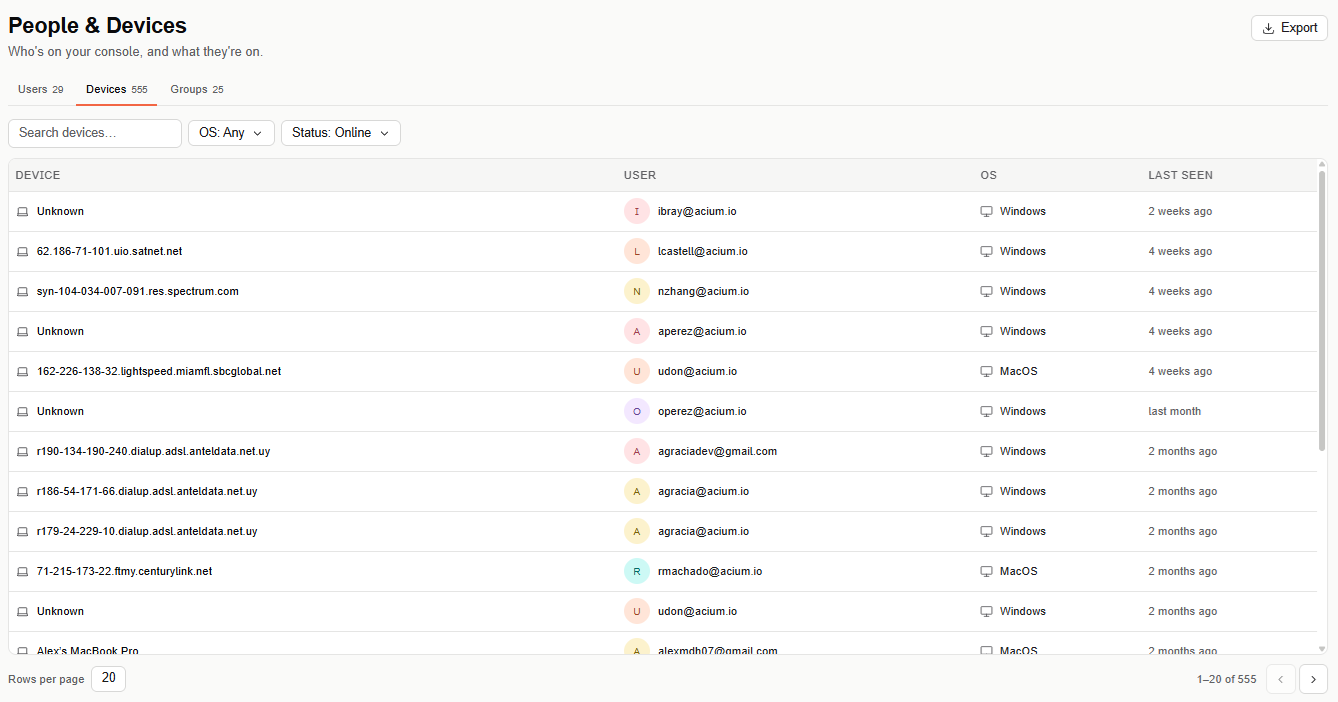
Devices lists every device Acium UBS has discovered on your fleet — anywhere the extension is installed. It's one of three tabs under People & Devices, alongside Users and Groups.
Find this section at Fleet > People & Devices > Devices.
Devices table
Search for a device by name, or scroll the paginated table (20 rows per page by default). Columns: Device, User, OS, and Last seen.
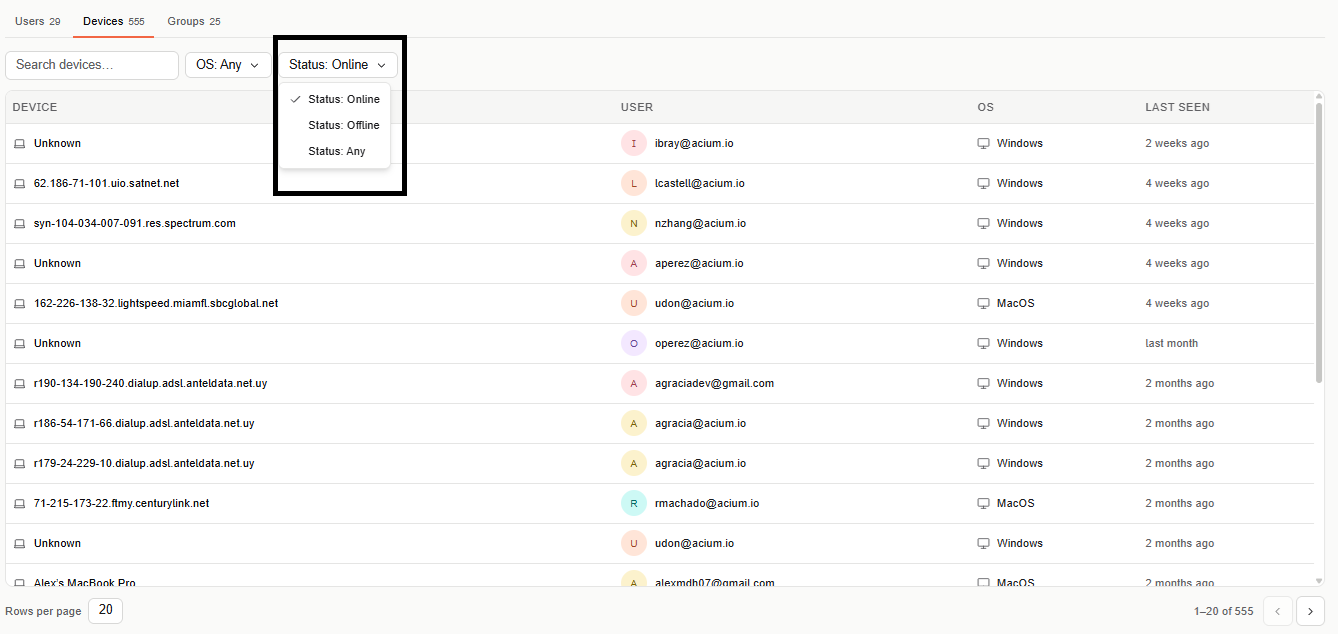
Narrow the table with an OS filter (defaults to Any) and a Status filter (Online, Offline, or Any).
Select a device's name to open its details page.
Export
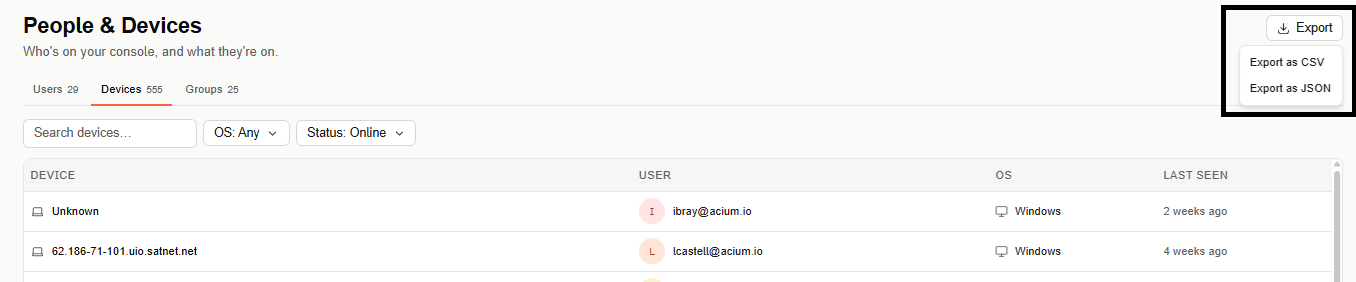
Select Export (top right) to download the devices list as CSV or JSON.
Device details
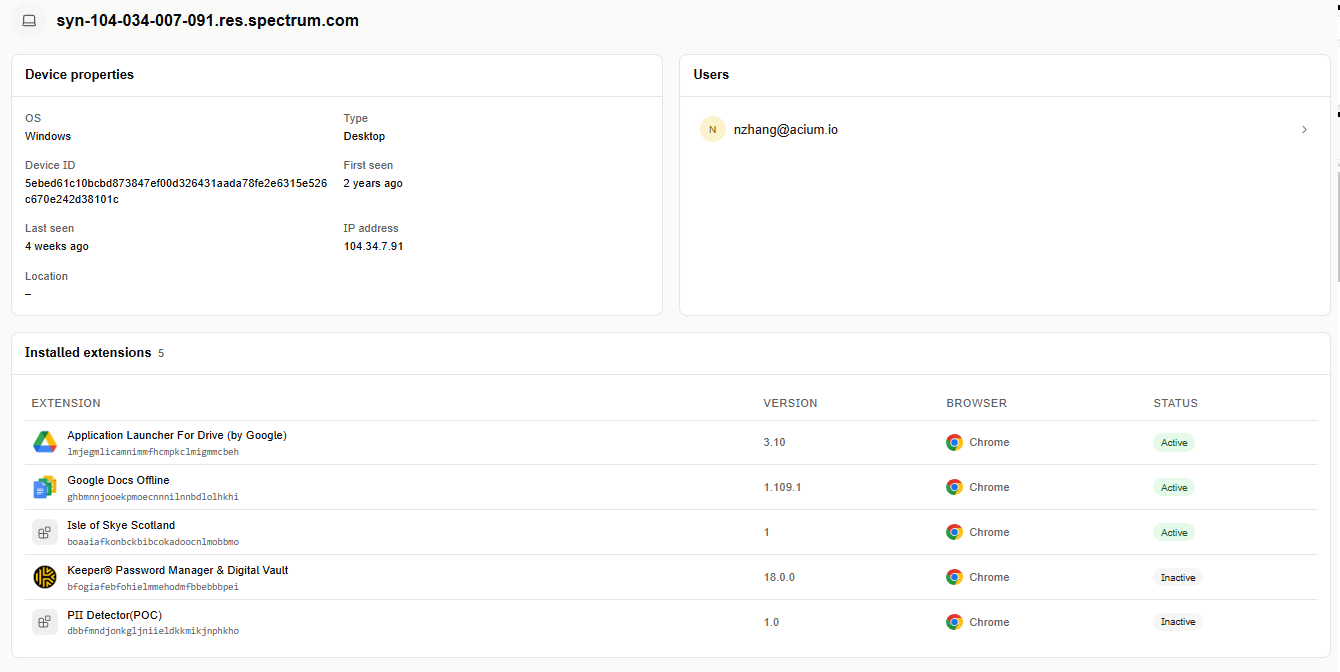
Selecting a device's name opens its details page.
Device properties
- OS — the device's operating system.
- Type — for example, Desktop.
- Device ID — Acium's internal identifier for the device.
- First seen / Last seen — when the extension was first and most recently active on this device.
- IP address
- Location — shows a dash when not available.
Users
The user (or users) signed in to the extension on this device. Select a user to open their user details page.
Installed extensions
The browser extensions installed on this device: Extension, Version, Browser, and Status (for example, Inactive).