Settings
Settings configures the fleet-wide default risk threshold for automatically blocking extensions — used when no more specific policy already covers an extension.
Find this section at Fleet > Extensions Catalog > Settings.
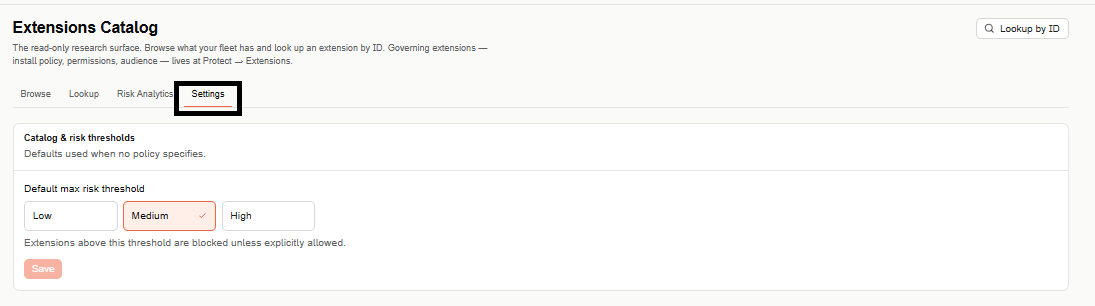
Extensions Catalog has four tabs — Browse, Lookup, Risk Analytics, and Settings — for researching, searching, and analyzing extensions across your fleet.
Catalog & risk thresholds
Defaults used when no policy specifies a threshold of its own.
Default max risk threshold
Choose Low, Medium, or High as the organization's default maximum risk threshold. Extensions rated above the selected threshold are blocked unless explicitly allowed. Select Save to apply.
Enforcement depends on what's deployed on the endpoint. On devices running only the browser extension, without an active sensor, extensions over the threshold are disabled rather than fully blocked — full blocking enforcement requires the sensor to be present.