Groups
Groups lists every group in your directory — synced from your identity provider (Google Workspace, Microsoft Entra ID) as well as Jamf Pro. It's one of three tabs under People & Devices, alongside Users and Devices. These are the same groups you pick from when assigning a profile's audience; see Integrations for how each source connects.
Find this section at Fleet > People & Devices > Groups.
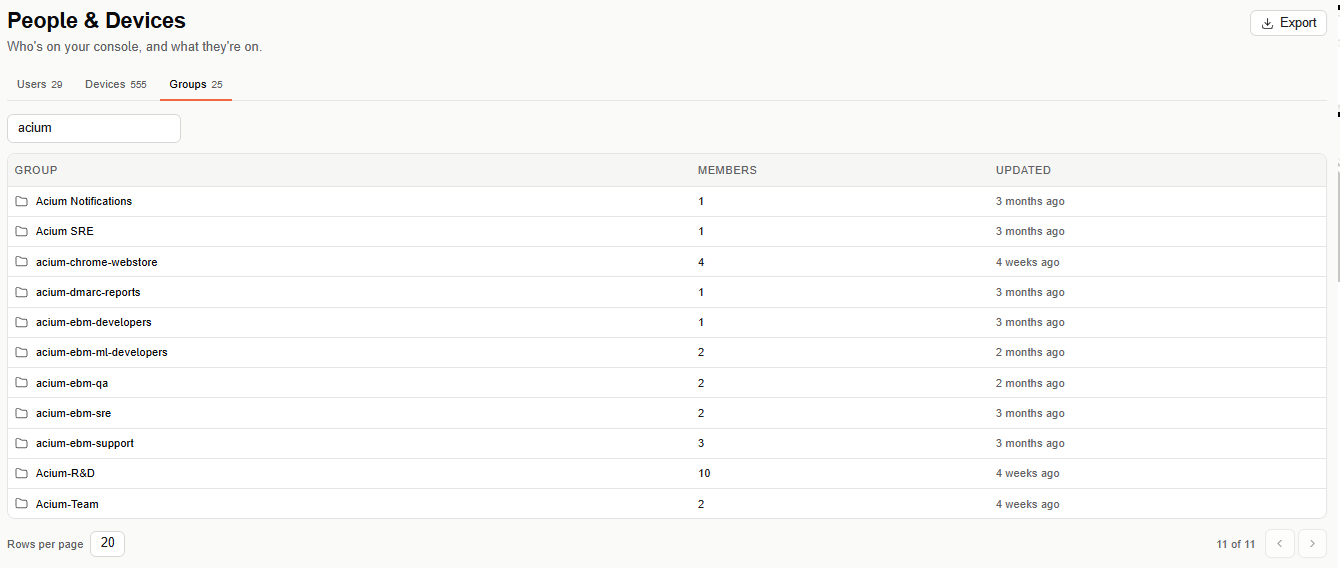
Groups table
Search for a group by name, or scroll the paginated table (20 rows per page by default). Columns: Group, Members, and Updated.
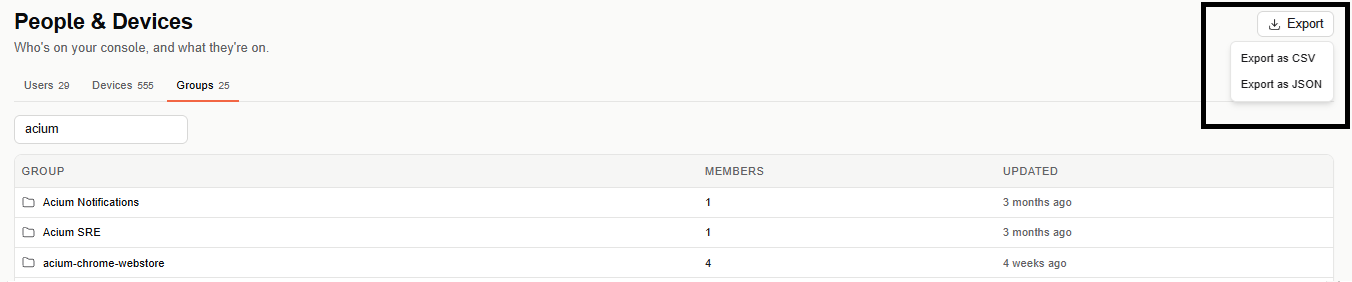
Export
Select Export (top right) to download the groups list as CSV or JSON.