Manual extension install
Use this option on devices where you do not want to install the sensor, or to quickly test the extension on a single browser.
Chrome
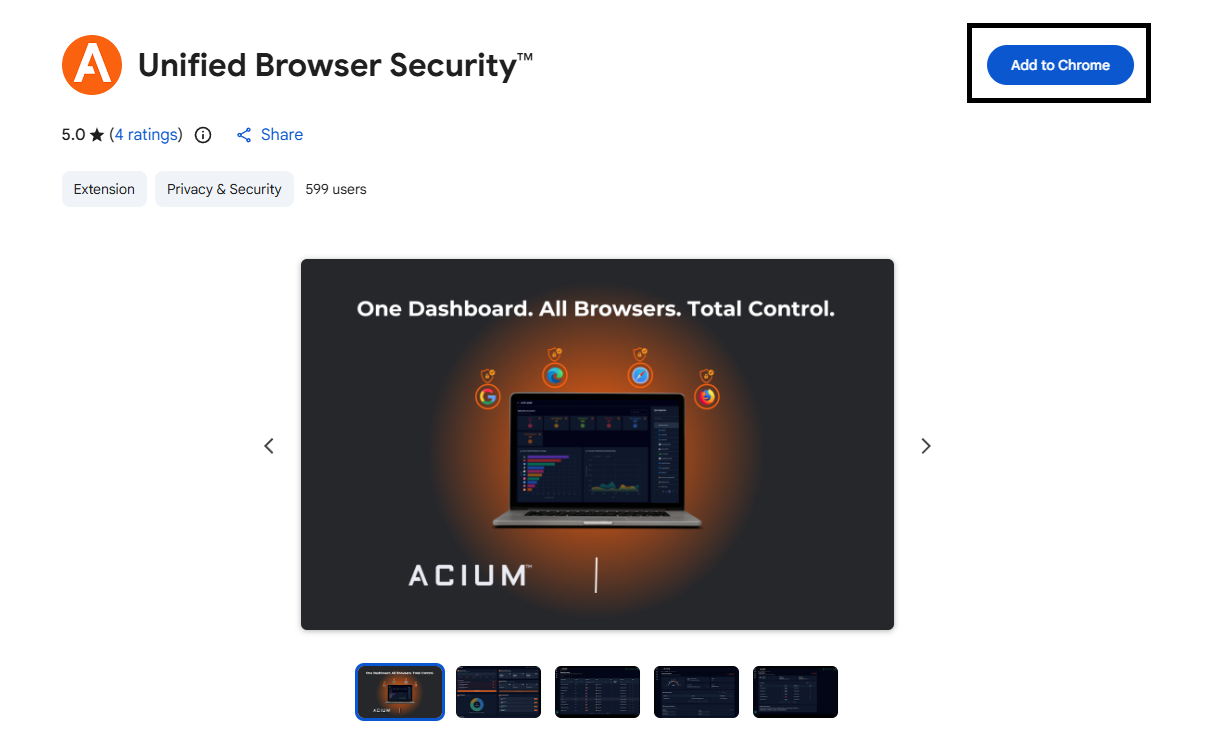
- Open Chrome and go to the Acium Chrome extension in the Chrome Web Store.
- Select Add to Chrome, then confirm by selecting Add extension.
- A sign-in tab opens automatically — authenticate with your organization's identity provider.
Microsoft Edge
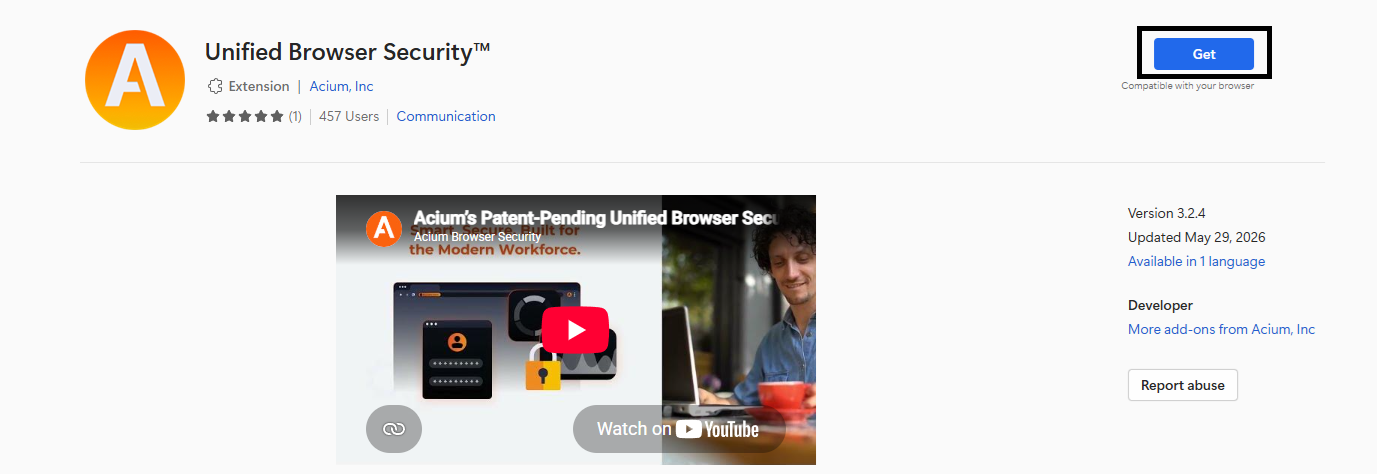
- Open Edge and go to the Acium Edge extension in the Microsoft Edge Add-ons store.
- Select Get, then confirm by selecting Add extension.
- A sign-in tab opens automatically — authenticate with your organization's identity provider.
Firefox
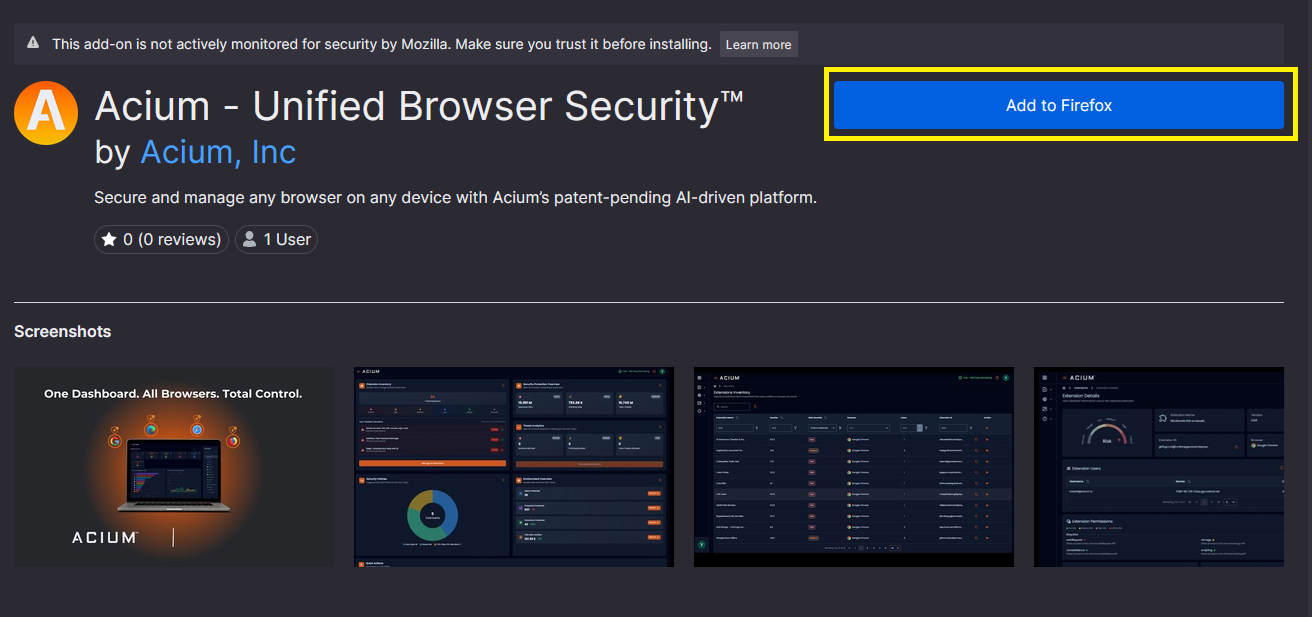
- Open Firefox and go to the Acium Firefox extension in Firefox Add-ons.
- Select Add to Firefox, then confirm by selecting Add.
- A sign-in tab opens automatically — authenticate with your organization's identity provider.
Note
Extensions installed manually are not managed by the sensor. Browser settings policies and sensor-based telemetry only apply to devices where the sensor is installed.