Web Activity
Web Activity is a searchable log of every allow/block decision the extension made across your organization's browsers. Filter it to drill into a specific user, site, or rule.
Find this section at Watch > Activity > Web Activity.
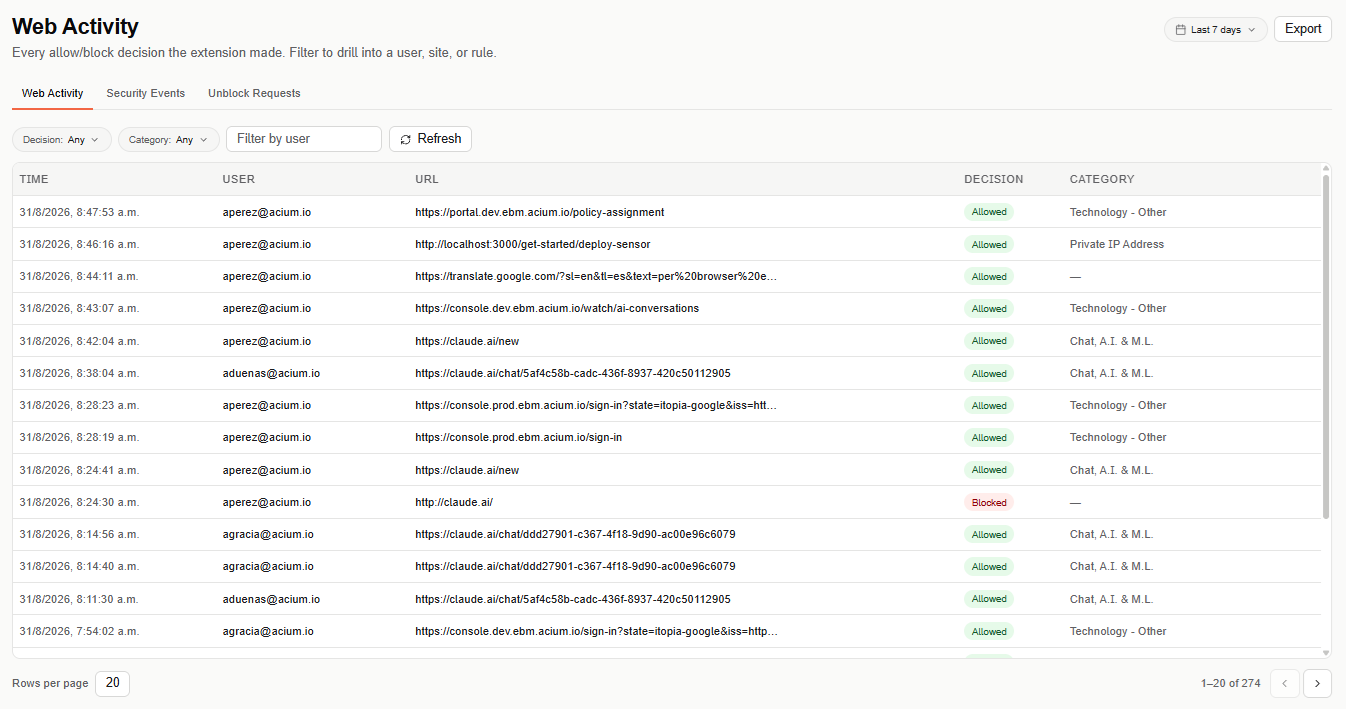
Web Activity shares its header with Security Events and Unblock Requests — use the tabs above the table to switch between the three Activity views.
Filters
Narrow the table with Decision (Allowed, Blocked, or Any), Category, and Filter by user (search by user email). Select Refresh to reload the table against your current filters.
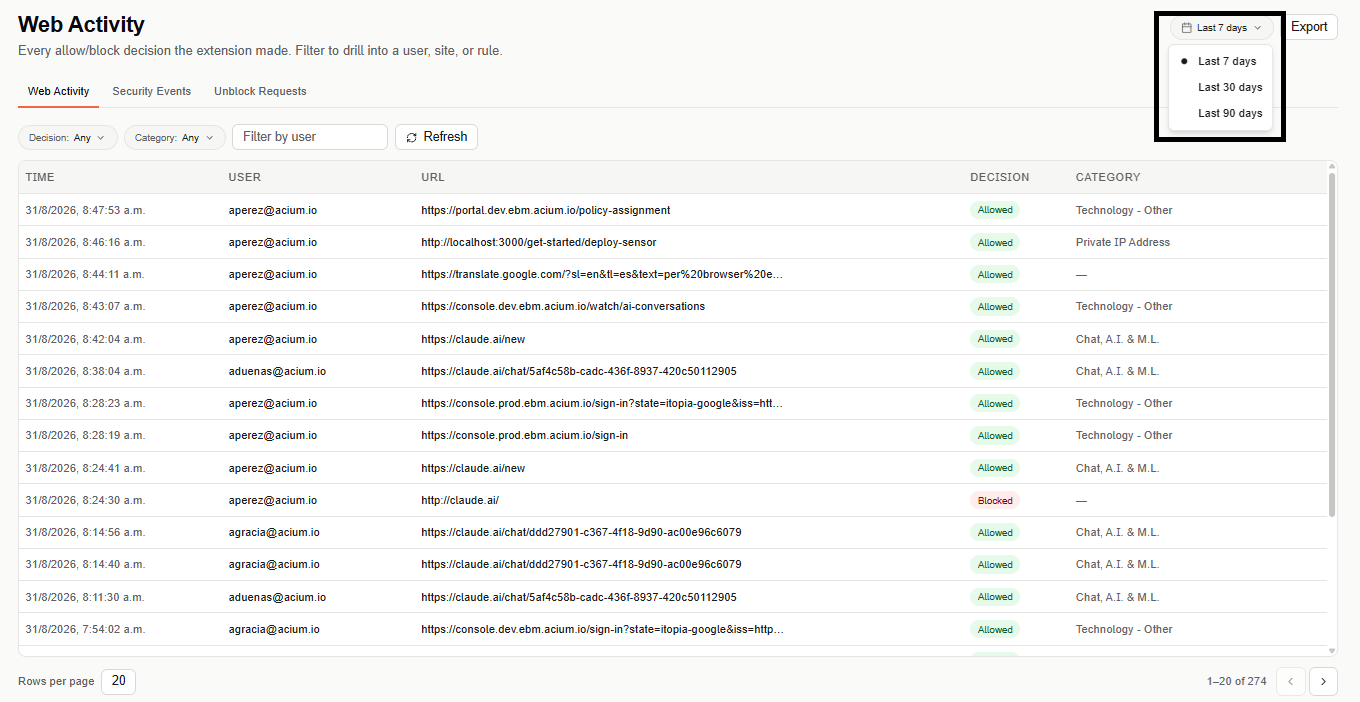
The date range selector (top right) defaults to Last 7 days, and can be widened to Last 30 days or Last 90 days.
Activity table
The table is paginated (20 rows per page by default) and lists one row per browser decision:
- Time — when the request was evaluated.
- User — who made the request.
- URL — the full URL that was requested.
- Decision — Allowed or Blocked.
- Category — the site's category, when classified.
Export
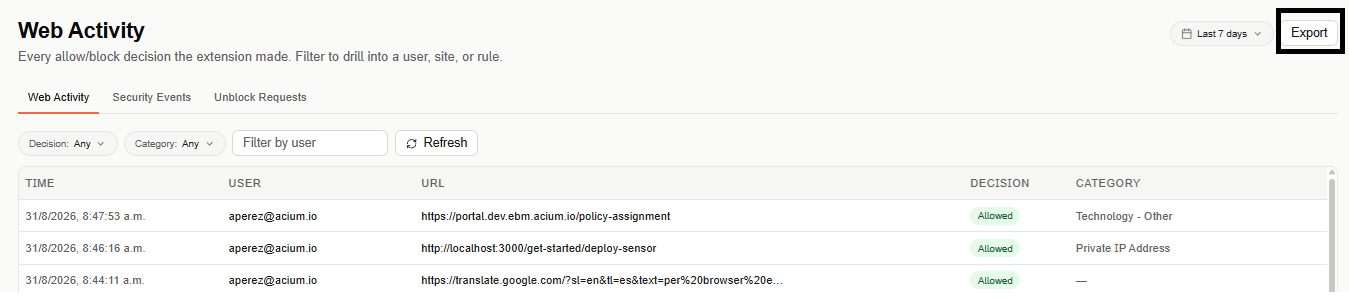
Select Export (top right) to download the currently filtered activity as a CSV file.